OTE Dream Tryout
The application for an Overtime Elite tryout, rebuilt for phones, since most applicants arrive from Instagram and TikTok. One question per screen, and every answer can be edited before submitting.
- League
- Overtime Elite
- Audience
- Teen players, 90%+ on phones
- Build
- Next.js, React Hook Form, Zod, Motion, WebGL
- Status
- Shipped, 2026
OTE recruits through an open application that used to be a Google Form. I rebuilt it as a phone-first form, and the goal was for more applicants who start it to actually finish it.
Try it
The form, running. Launch it full screen or use it here. This copy doesn’t save or upload anything.
The problem
Two earlier versions
The tryout used to run on a Google Form: 21 fields over two pages. It collected the answers, but the data lived outside Overtime. An internal replacement fixed that but brought in fewer signups.
Almost everyone arrives on a phone from a link in an Instagram story or a TikTok, so the goal was to get more of them to submit.
One question per screen
Progress across the top, a review at the end.
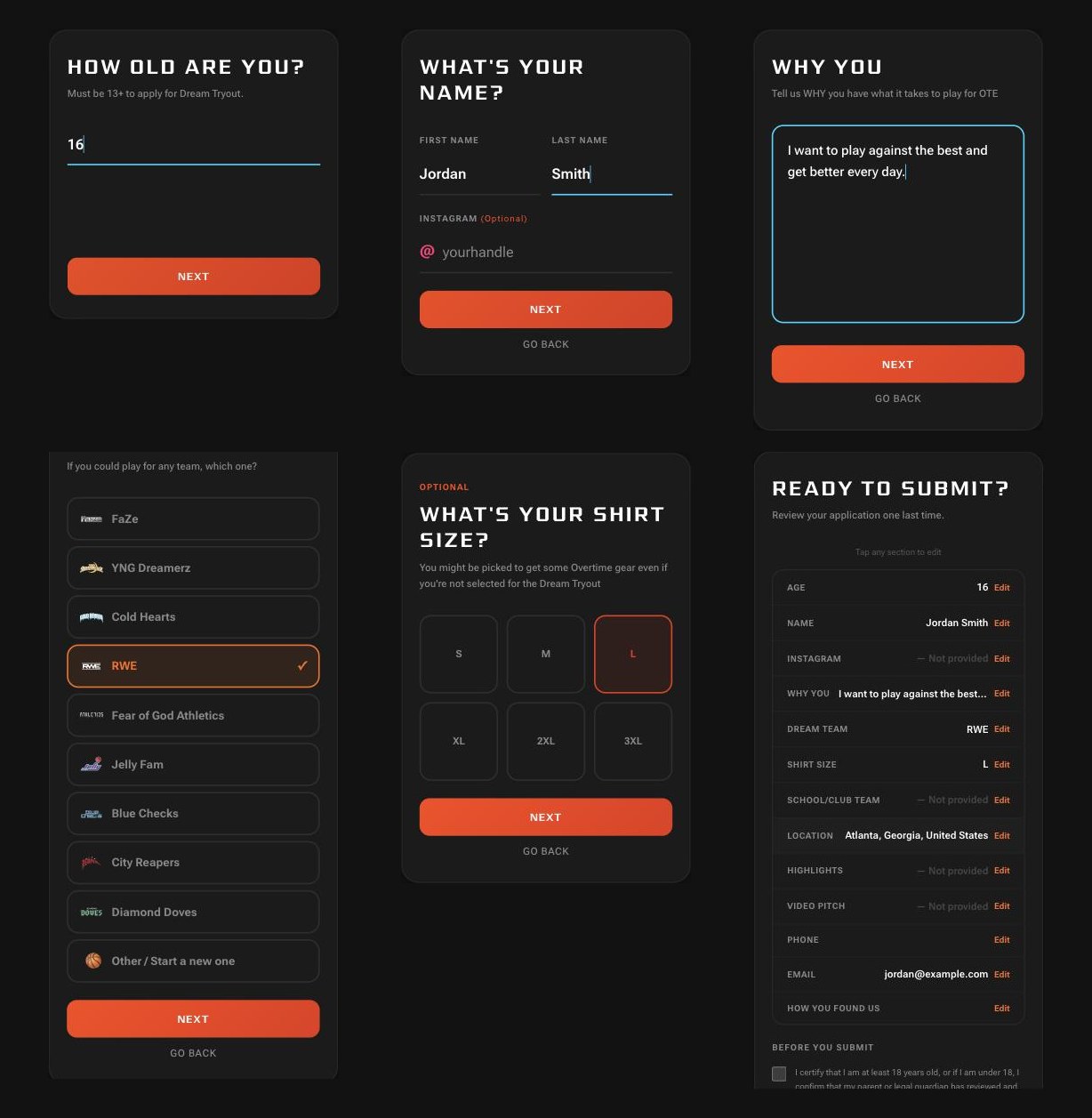
The form is a deck of cards, one question each, with progress across the top. The last card is a review of every answer, and any of them can be reopened and changed before submitting.
Answers save to the phone as they are typed, so a kid who leaves for a text comes back to where they were. The first build advanced on its own and let you swipe between cards. After team feedback I took both out for plain Next and Back buttons, and kept the card animation.
 01Splash
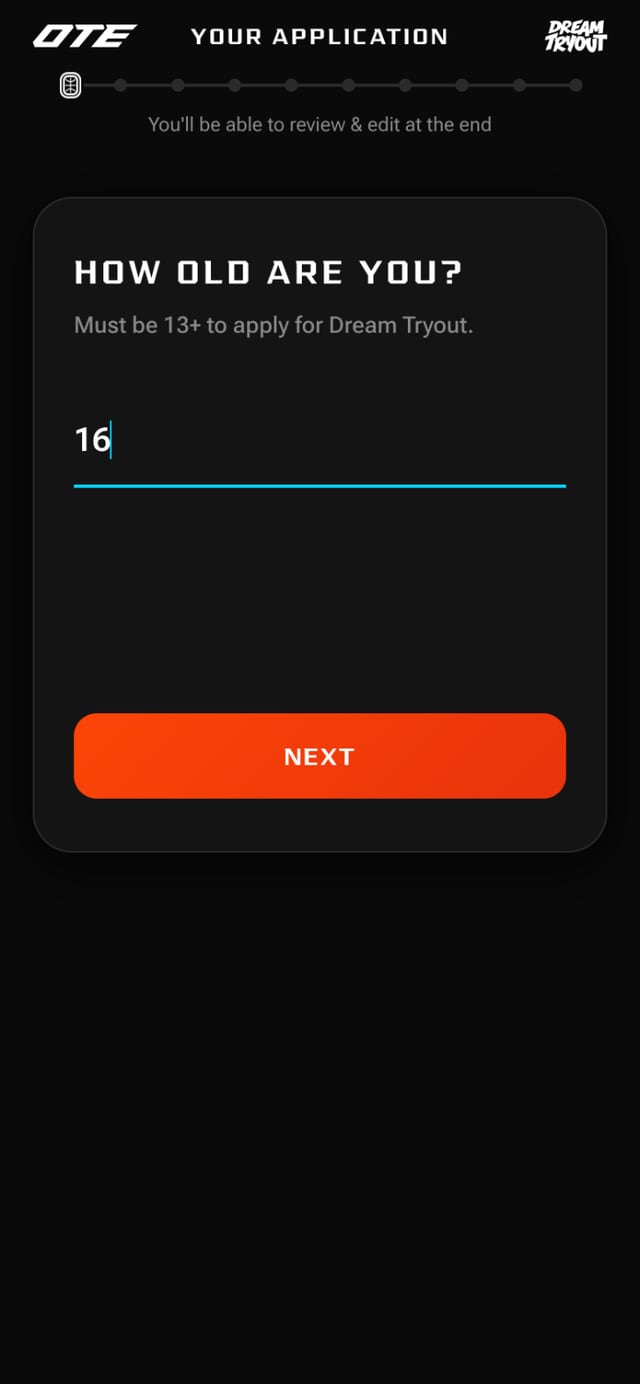 02Age
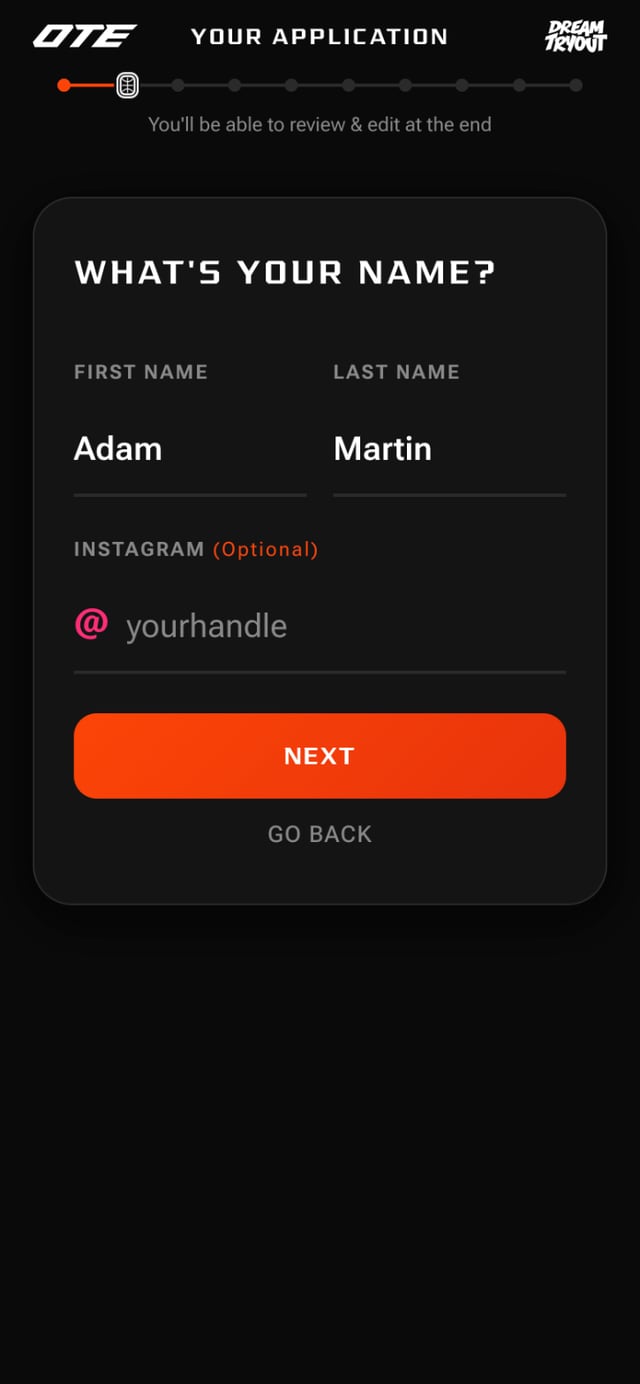 03Name
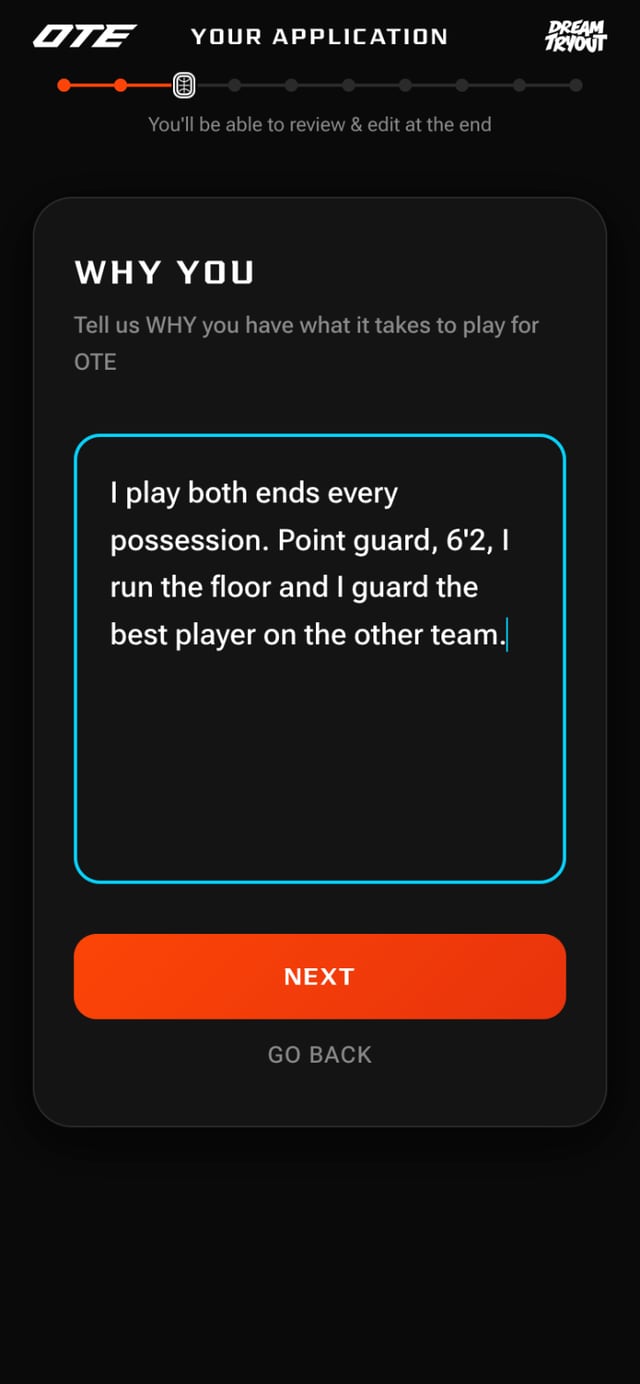 04Why you
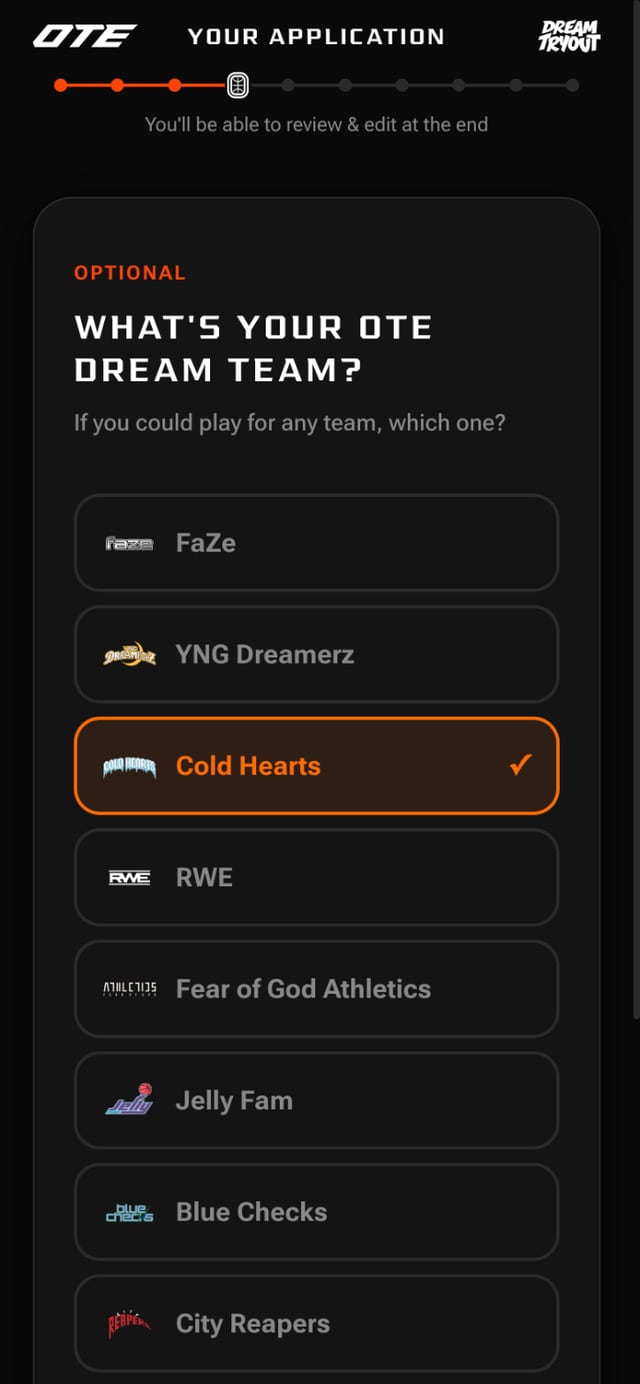 05Dream team
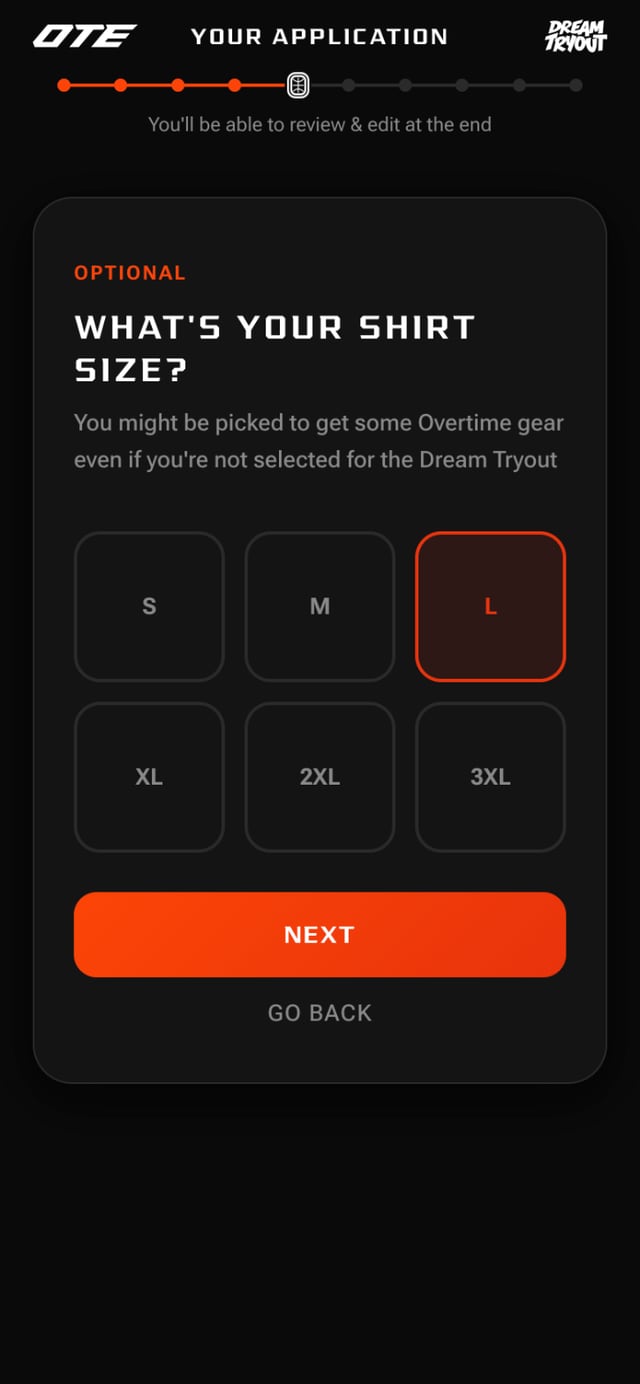 06Shirt size
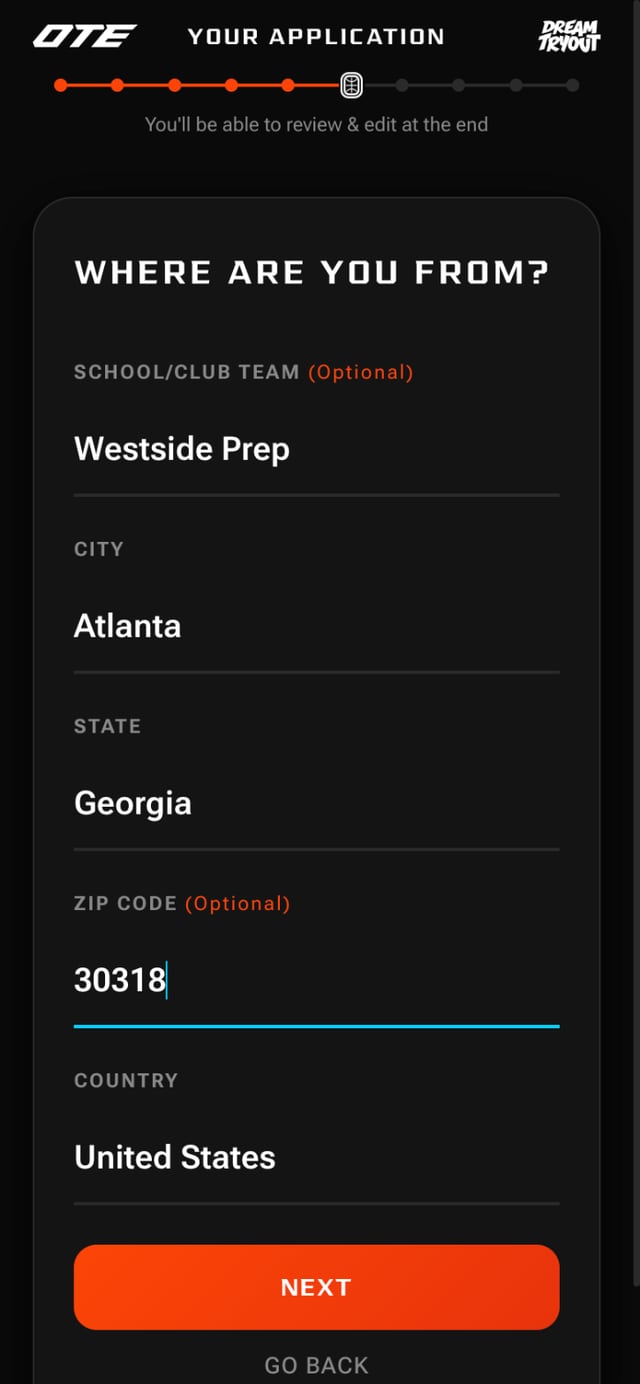 07Location
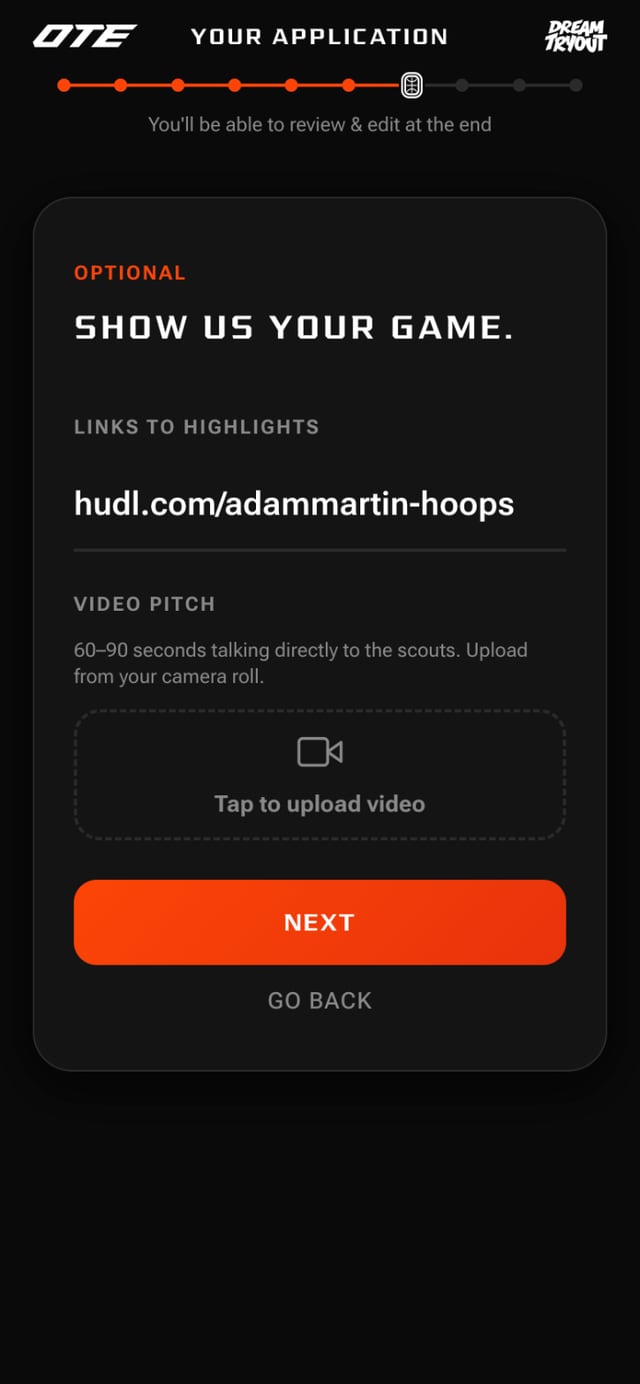 08Highlights
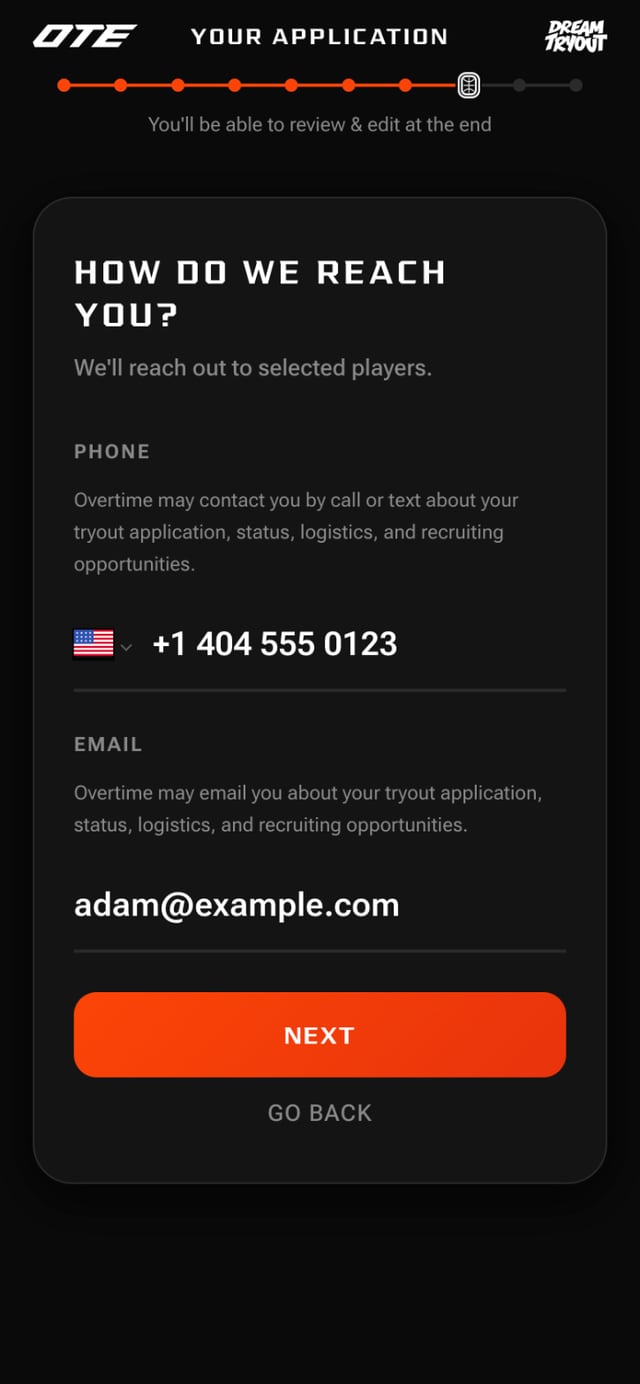 09Contact
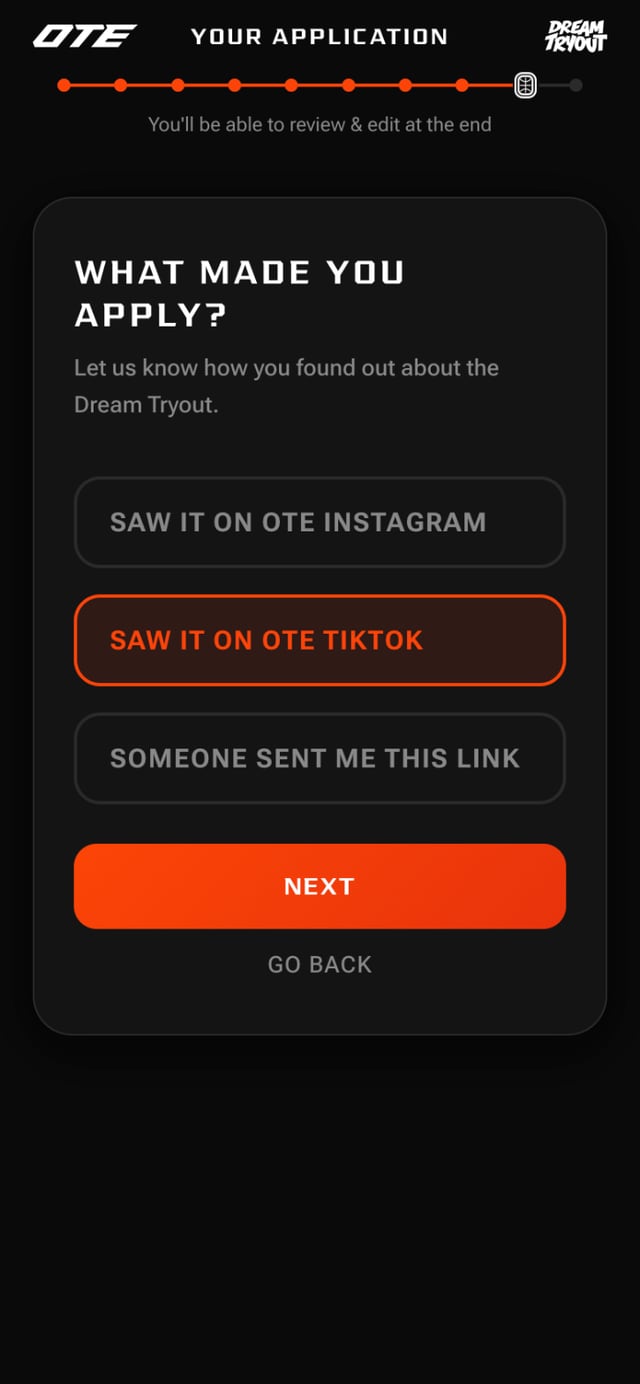 10Source
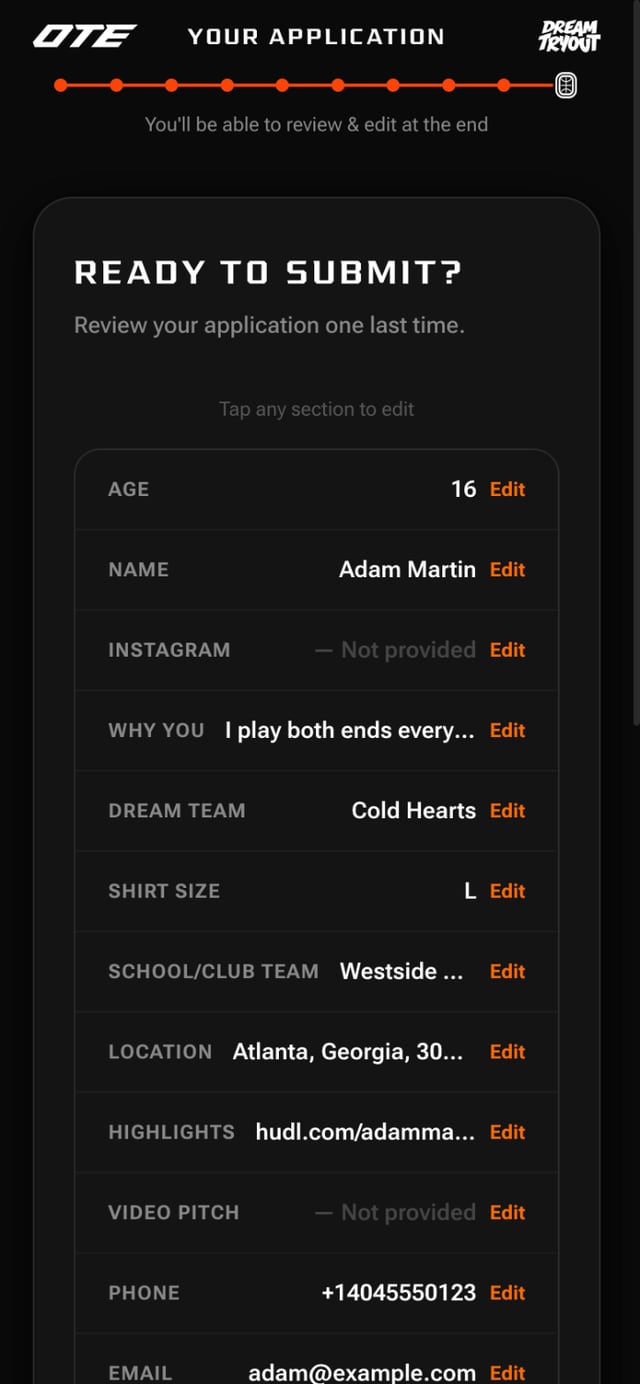 11Review
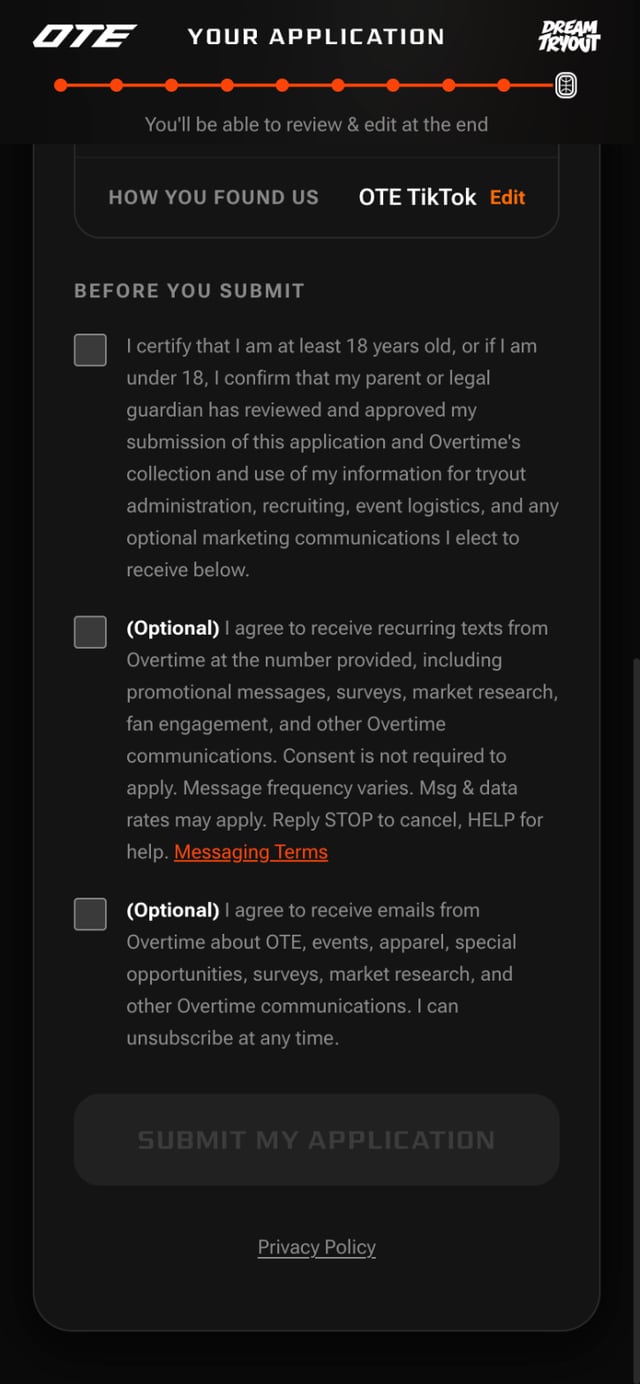 12Consent
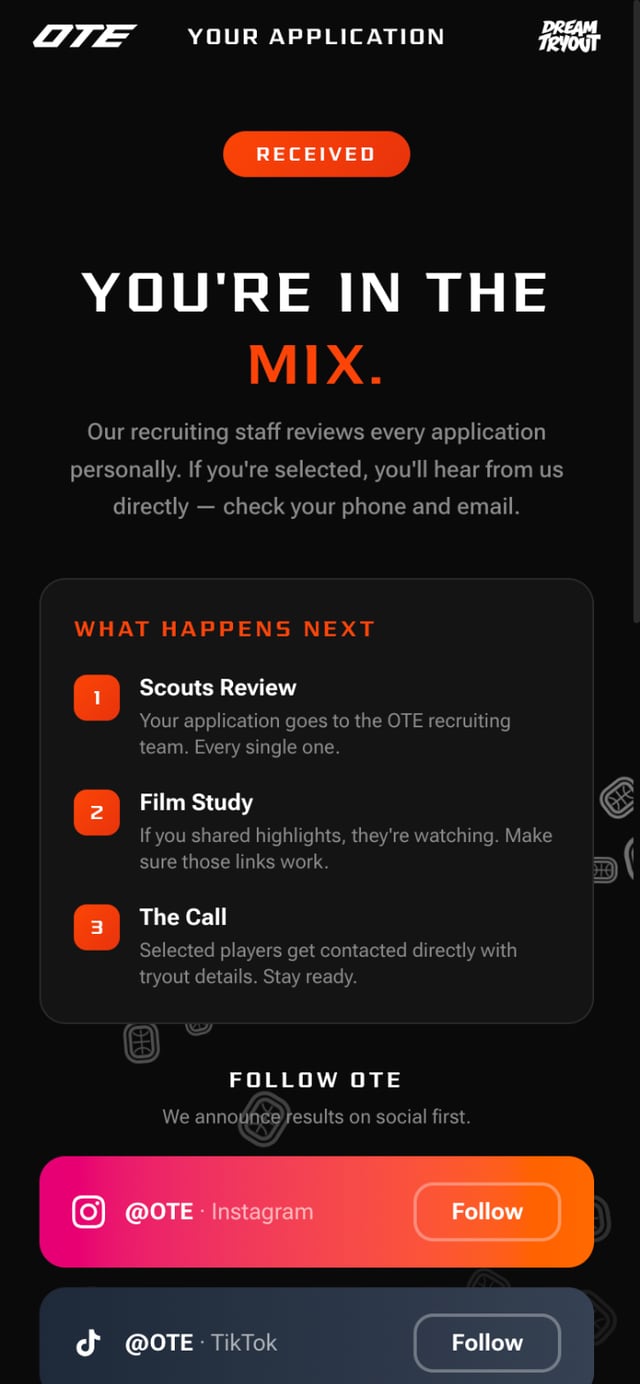 13Confirmation
Two kinds of questions
Recruiting data and marketing data from the same form.
Some questions are for scouts: age, location, highlight links, a video pitch. Others, like your dream OTE team, are for marketing and make the form more fun to fill out. The "why you" question asks applicants to pitch themselves.
The confirmation screen explains what happens next, links the league’s social accounts, and offers a graphic to post to your story.
Built for minors
Most applicants are under 18
Applicants are mostly under 18. The form starts with age and blocks anyone under 13. Every consent box starts unchecked and none of them is required to apply.
Before launch I wrote a screen-by-screen review for legal: every line of copy, every field collected, where the data goes, and the open questions they needed to answer.
The splash
A live logo on the first screen.
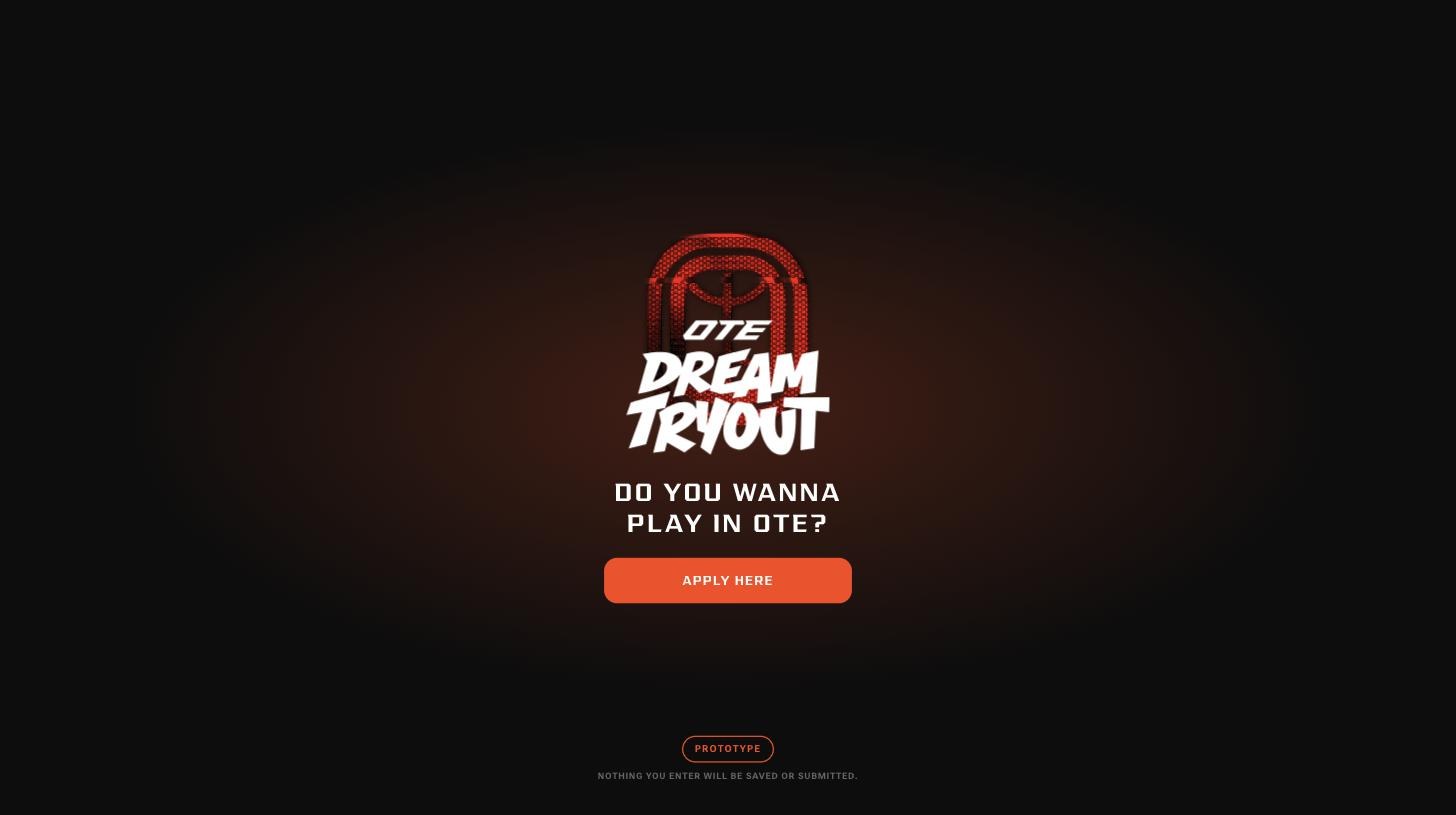
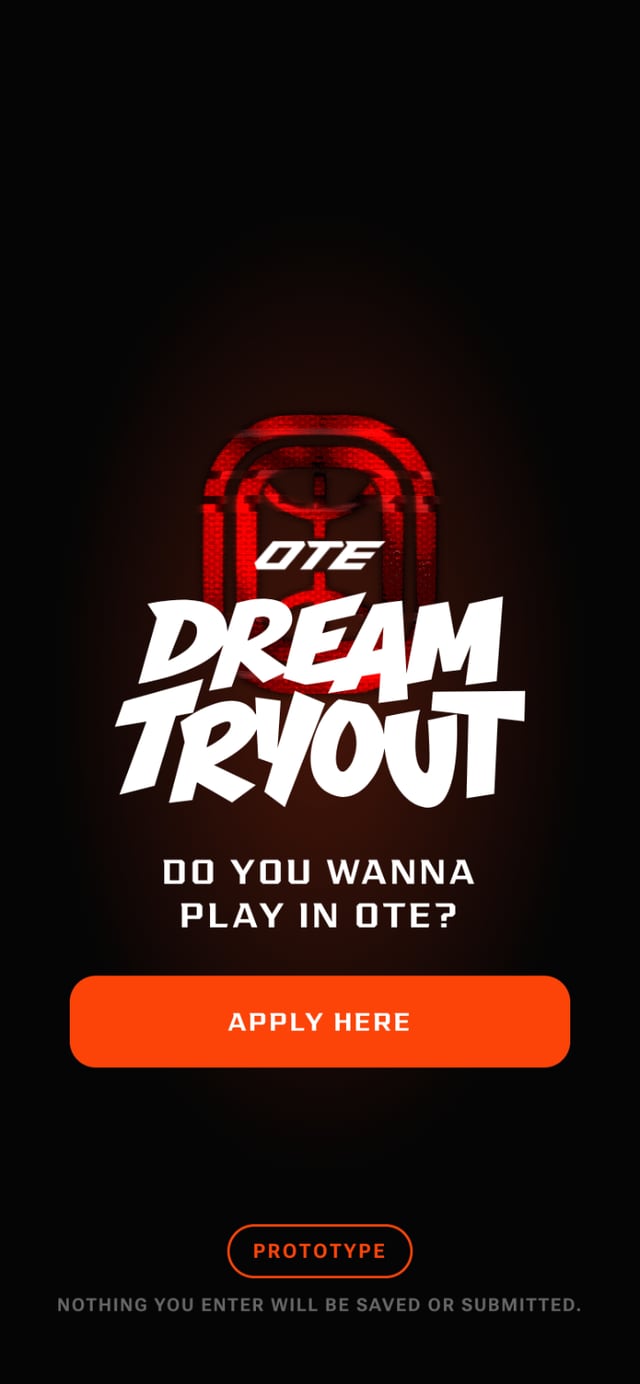
The OTE ball is a live WebGL shader with a CRT treatment on the type, scaled to the logo rather than the screen. It respects reduced motion.
Prototype to production
The same code, from prototype to overtimeelite.com.
I built the form as a working prototype. With no database connected it runs in demo mode and labels itself a prototype. Engineering pulled the same code into production on overtimeelite.com, where the database is connected and the prototype label no longer appears.